
VirtFusion lets you enable or disable VNC. For security reasons, you can keep it disabled and turn it on only when needed.
Enabling VNC in VirtFusion
1. Log in to your VirtFusion Control Panel.
2. From the dashboard, locate your server in the server list and click Manage.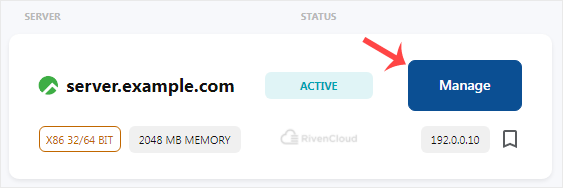
3. Go to Options > VNC and click Enable VNC Access.
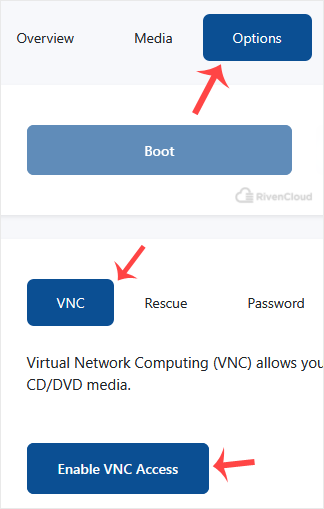
4. It may take a few moments to display your VNC details. Click Browse VNC to access the VNC console.
Disabling VNC in VirtFusion
For security reasons, you may want to disable VNC. You can do this by following the steps below.
1. Login to VirtFusion. From the dashboard, locate your server in the server list and click Manage.
2. Go to Options > VNC and click Disable VNC Access.
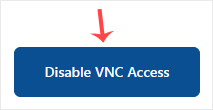
VNC is now disabled, and we will not be able to access it until we enable it again.
We hope you found this tutorial helpful.