
VirtFusion allows you to quickly install a fresh operating system on your VPS. Please note that this process will permanently erase all existing data on the server.
1. Log in to your VirtFusion Control Panel.
2. From the dashboard, locate your server in the server list and click Manage.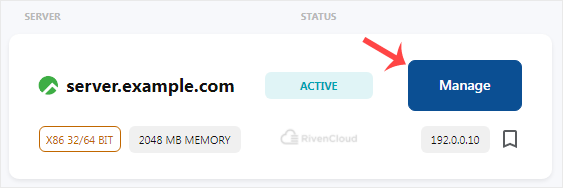
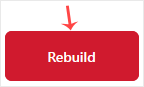
3. Click on Rebuild, then confirm by clicking Continue.
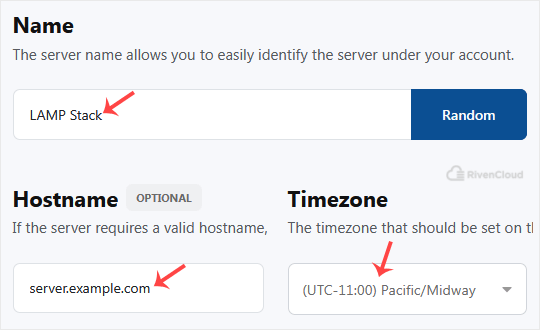
4. Configure Name, Hostname, and Timezone:
- Name: Enter a server name or generate one using Random.
- Hostname: Specify your hostname, for example server.example.com.
- Timezone: Choose the appropriate timezone or keep the default setting.
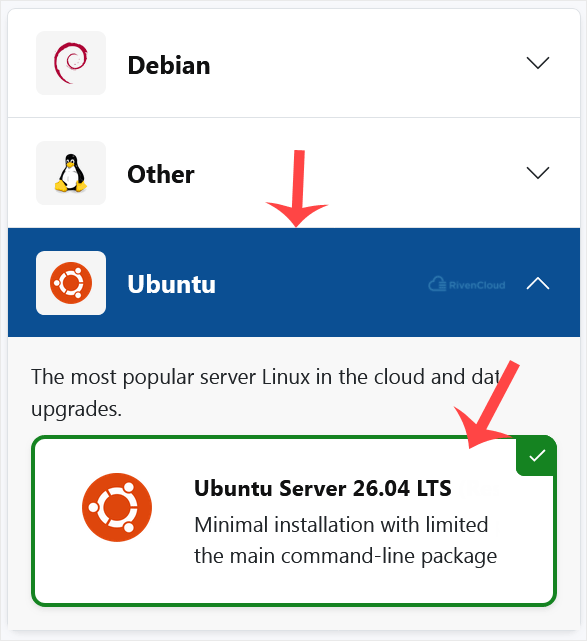
5. Select Operating System: Click on the OS and choose the version you want to install.
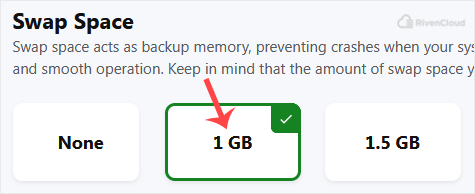
6. Configure Swap Space: Choose a swap size according to your requirements.
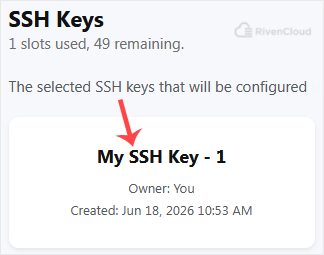
7. SSH Keys: Select an existing SSH key or generate a new one. Skip this option if you prefer password-based login.
8. Click Install and confirm if a warning prompt appears, such as when no SSH key is selected.

Once the installation is complete, you should receive an email with your server login credentials.
That is it. You now know how to install an operating system using VirtFusion.