
You can restart the VPS via the command line or through VirtFusion.
How to Reboot/Restart a VPS via VirtFusion?
1. Log in to your VirtFusion Control Panel.
2. From the dashboard, locate your server in the server list and click Manage.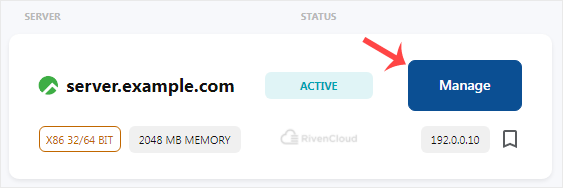
3. Under the Overview tab, click Restart and confirm when prompted.

It may take some time to reboot.
How to reboot/restart VPS via Command Line?
1. Log in to your VPS using an SSH client.
2. Enter the command shutdown -r now.
Once you execute the command, it may take some time for the VPS to reboot.
You have learned how to reboot your VPS via VirtFusion or the command line. These methods allow you to quickly restart your server whenever needed.