
You can shut down the VPS in two ways - forcefully or gracefully in VirtFusion.
How to Gracefully shut down the VPS in VirtFusion?
1. Log in to your VirtFusion Control Panel.
2. From the dashboard, locate your server in the server list and click Manage.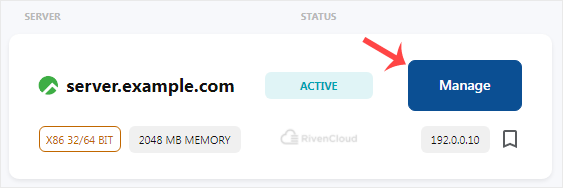
3. Under the Overview tab, click Shutdown.

4. Click Shutdown again to confirm.
It may take some time for the VPS to shut down.
For forceful shutdown, you can click the Power Off option in VirtFusion.
How to shut down the VPS via the Command Line?
(This option is similar to pulling the power cord from a computer and may result in data loss.)
1. Log in to your VPS using an SSH client.
2. Enter the following command:
poweroff
The VPS will shut down immediately after the command is executed.