
You can access your VirtFusion VPS via VNC in an emergency, such as when a firewall blocks your IP, the internet connection on the VPS is not working, or when you cannot access SSH. You can also use VNC for OS installation or reinstallation.
1. Log in to your VirtFusion Control Panel.
2. From the dashboard, locate your server in the server list and click Manage.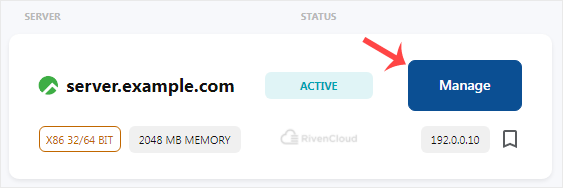
3. Click on the VNC icon.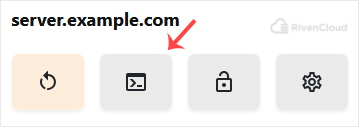
4. The VNC Area will resemble the following screenshot: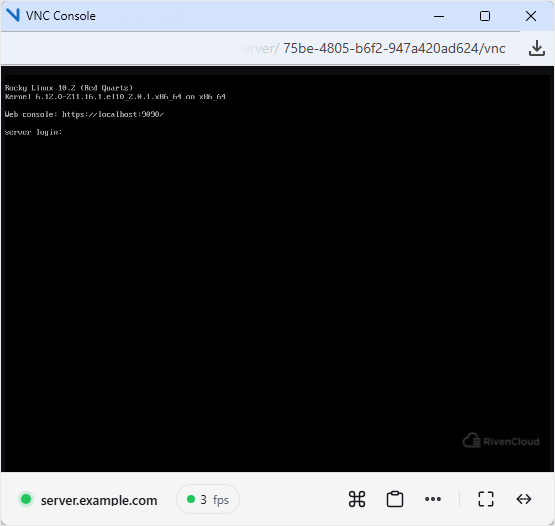
Now you know how to use VNC to access your VPS in VirtFusion.