
Changing your VirtFusion account password is a simple way to keep your account secure. If you can log in to the VirtFusion VPS control panel, you can update your password by following the steps below.
1. Log in to your VirtFusion Control Panel.
2. Click on the Account located at the top-left side.
3. Click on Password.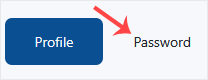
3. Under Change Password, enter the following details:
- Current Password: Your current VirtFusion Control panel password.
- New Password: Your new password.
- Confirm New Password: Again, enter your new password.
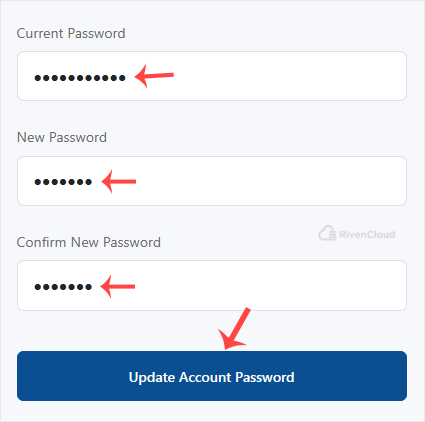
4. Click on Update Account Password.
You have changed your VirtFusion control panel password. You can now log in with your new password.