
Please follow the instructions below to disable two-factor authentication on your VirtFusion account.
1. Log in to your VirtFusion Control Panel.
2. Click on the Account located at the top-left side.
3. Click on Two-Factor Authentication.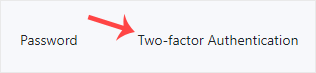
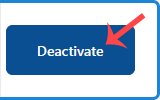
4. Click Deactivate and confirm again.
It should display a success message showing that two-factor authentication has been disabled. Make sure to re-enable it later to keep your account secure.