
You can view your VPS specifications in VirtFusion through the client area or the VirtFusion Control Panel.
1. Log in to your VirtFusion Control Panel.
2. From the dashboard, find your server in the list. Under the hostname, you can view VPS specifications such as CPU, memory, CPU cores, storage, and traffic limits. 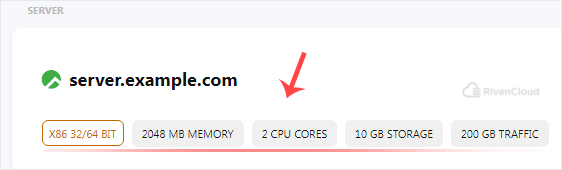
3. Now click on Manage next to your virtual machine.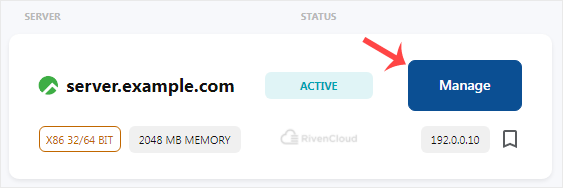
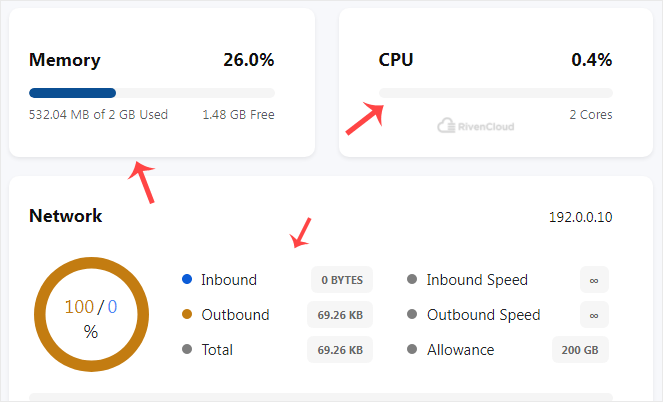
4. On the Virtual Machine management page, memory, CPU, and network usage are shown.
You now know how to check VPS specifications in VirtFusion.