
Two-factor authentication helps secure your account and prevent unauthorized access by adding an extra layer of verification. Even if someone knows your password, they cannot access your account without entering a unique code from the authentication app, which is required during login to VirtFusion.
What are the Requirements?
You would need a smartphone with a supported time-based one-time password app. Mobile phone OS such as Android, Windows and iOS have an app for 2FA.
How to Enable Two-Factor Authentication on My VirtFusion Account?
1. Log in to your VirtFusion Control Panel.
2. Click on the Account located at the top-left side.
3. Click on Two-Factor Authentication.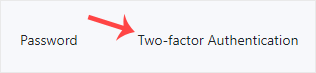
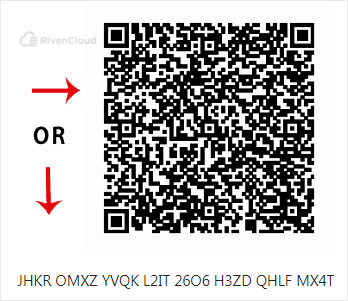
4. Scan the QR code using your Google Authenticator or 2FA authenticator application. If your app doesn't have a QR code reader, you can either copy the secret key to the app or enter it manually.
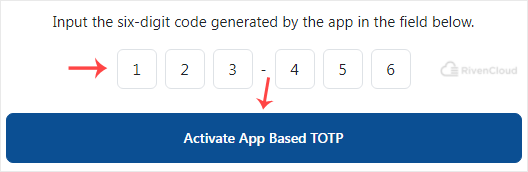
5. Enter your Two-Factor Authentication code in the input box, then click Activate App Based TOTP.
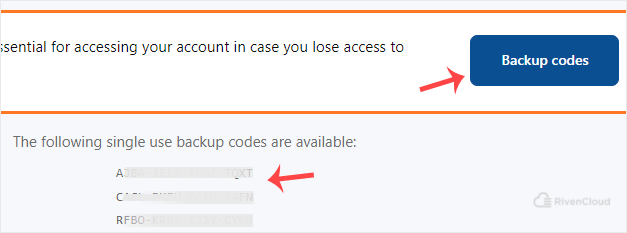
6. 2FA is now enabled. Click on Backup Codes. Your backup codes will be shown. Save them securely, as they are required if you lose your 2FA device or face any issues.
You have learned how to enable two-factor authentication on your VirtFusion account.